Check the link before you open it.
QR Safe Scanner reads QR codes and barcodes, then checks the link against Google Web Risk and shows you what it found. Create codes, keep a history, and check any link you paste or share into the app. Free on Android, supported by ads.
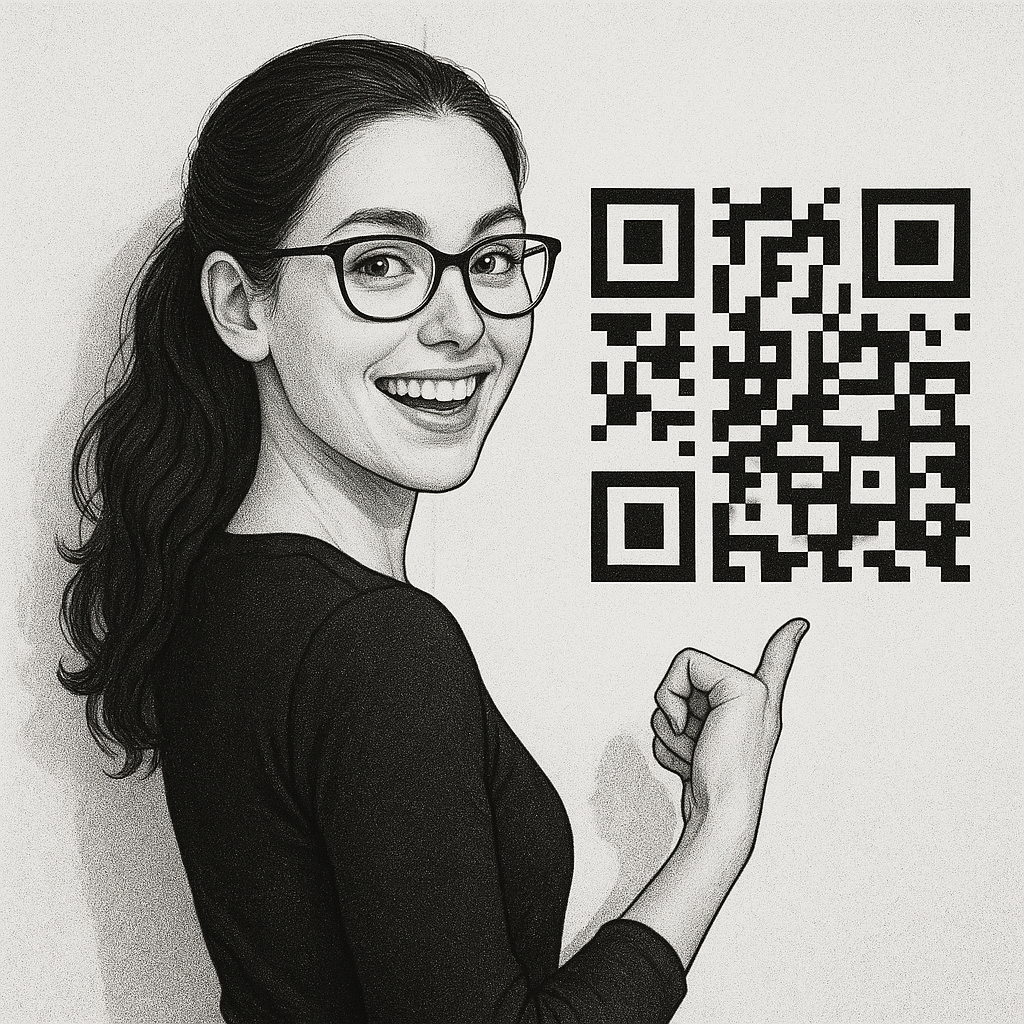
Checked against Google Web Risk
Scanned links go through Google's database of sites known for malware, phishing and unwanted software. You see the verdict before anything opens.
Warning signs it catches on its own
A raw IP address instead of a domain, look-alike punycode characters, a destination hidden after an @, a shortener, a missing HTTPS, or a domain imitating a well known brand.

Scan anything, act on it
Links, phone numbers, email, SMS, Wi-Fi networks, locations, calendar events, contacts and plain text. Each one gets the action that fits it, from joining a network to saving a contact.
You don't have to scan
Paste a link, or share one into the app from anywhere. If you copied a link just before opening the app, it offers to check that one.
Ask for an explanation
Not sure what you are looking at? Get a plain language explanation of the link or the code you scanned.
A verdict you can actually read
Two answers, no jargon. A safe verdict means the link is not currently flagged, which is not the same as a guarantee. And when the safety service cannot be reached, the app says nothing rather than guessing.
Create codes too
Make a QR code for a link, some text, a phone number, an email, an SMS or a Wi-Fi network. Share it, or save it to your gallery.
History that keeps the verdict
Your recent scans stay in a list, each still marked safe or unsafe. It lives on your phone, and you can clear it whenever you want.
One tap from the home screen
Add the widget, or use the Quick Settings tile, and check a link without opening the app first.
Nothing to sign up for
No account. The camera is used only to read codes, and nothing you scan leaves the device except the link being checked.